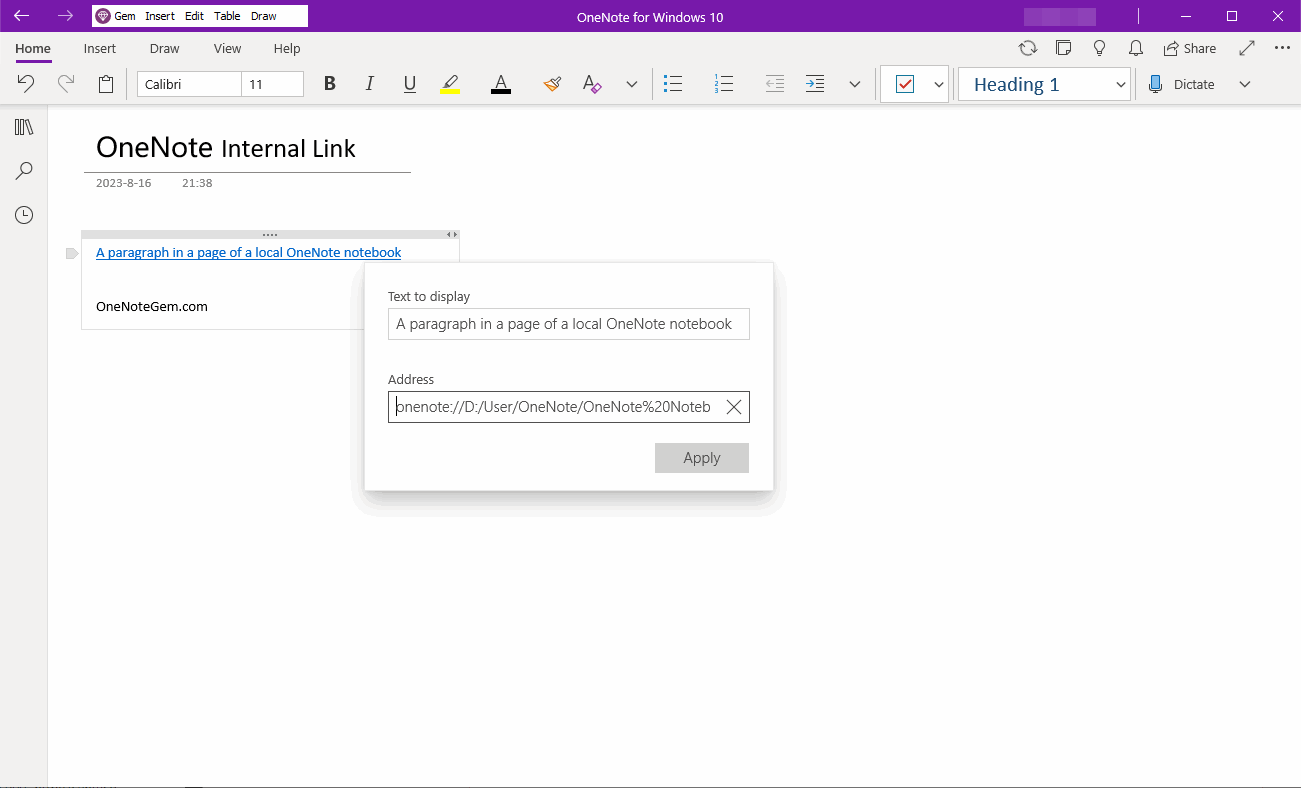
OneNote for Windows 10 Reviver - UWP Reviver
 OneNote UWP Reviver brings OneNote for Windows 10 back to life.
On October 14, 2025, OneNote for Windows 10 (OneNote UWP) was retired.
On January 10, 2026, OneNote for Windows 10 went completely read-only and became unusable.
OneNote UWP Reviver Download
System:: Windows 11,Windows 10 v22H2 64-bit
OneNote: OneNote for Windows 10 v16001
Size: 248 MB
OneNote: OneNote for Windows 10 v16001
Size: 248 MB
How to Use?
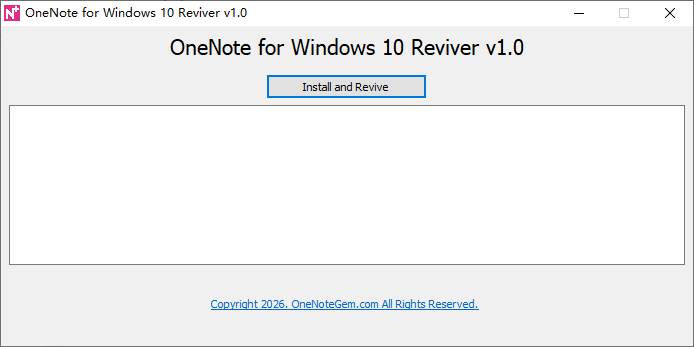
Run UWPReviver.exe.Click the "Install and Revive" button to perform the following steps:
- Install Microsoft.Office.OneNote_16001.AppxBundle
- Set up OneNote for Windows 10.
OneNote for Windows 10
2026.5, OneNote for Windows 10 Riviver continued to work normally.