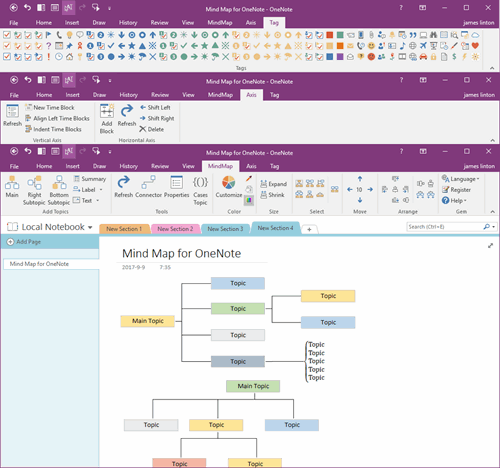
How to Sort Sections in Android OneNote?
2026-09-09 08:35
Android OneNote section can be sorted vertically by drag-and-drop.
We can sort section by dragging them up and down.
Tag a Section with Finger
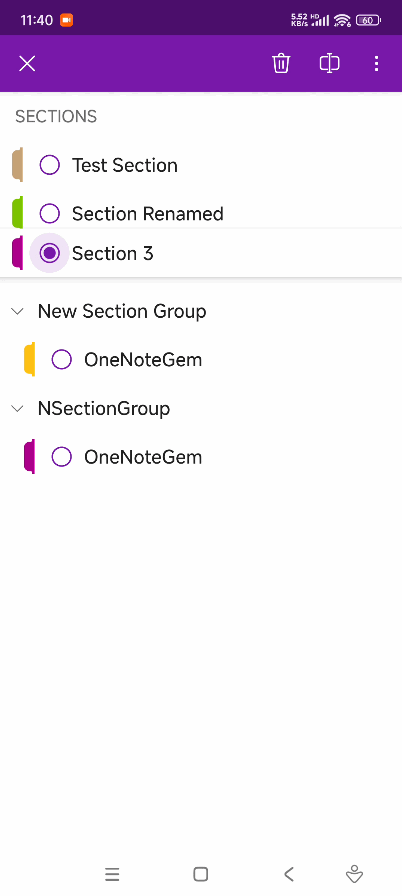
First, tag down on a section (e.g., Section 3) with finger to see it lifted.
After Moving the Section to the Desired Position, Release Finger
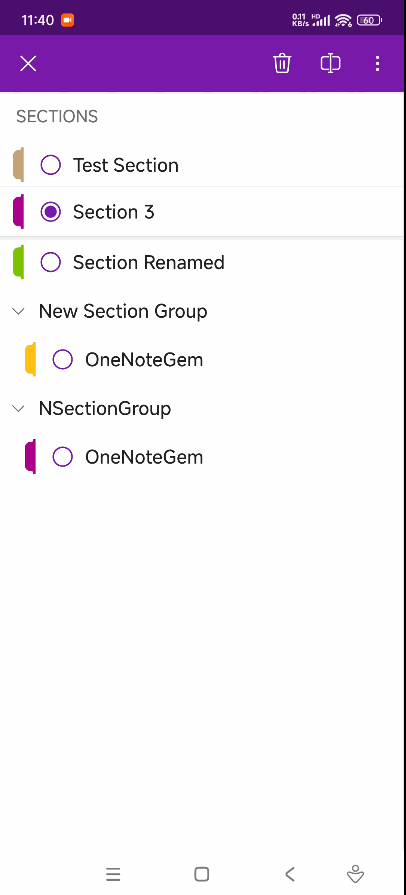
After moving the Section 3 to the desired position, release finger.
Section 3 will be moved to this position.
Related Documents
- Why does Android OneNote open a Section and see a list of Recent Pages instead of the pages of the section?
- Deleting sections and pages in Android OneNote will permanently remove them and cannot be recovered
- 2025-5-9 Xiaomi phone Android OneNote v16.0.15629.20118 Error: We couldn’t open this section

