Comparison of the Differences between OneNote 2021 and OneNote UWP
2022-03-13 18:24
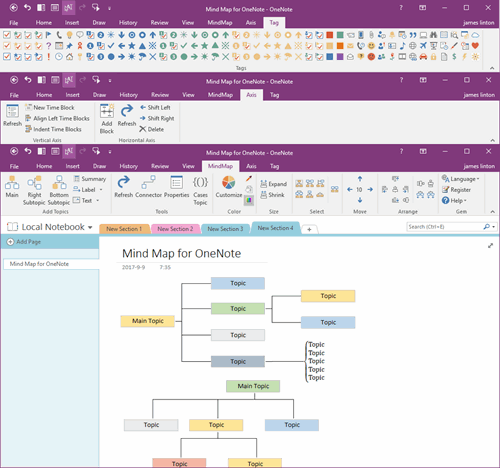
Windows Office OneNote 2021
- OneNote 2021 is an application in Windows Office. It's a member of Office. OneNote 2021 is installed when you install Office 2021 or Office 365.
- OneNote 2021 can only be installed on Windows 10, 11 or later systems, and Windows 8, 7, XP cannot be installed. (And the previous version OneNote 2016 can be installed on Windows 7, 8, 10, 11)
- OneNote 2021 is a regular Windows EXE program.
- Suitable for personal computers.
- More suitable for mouse and keyboard.
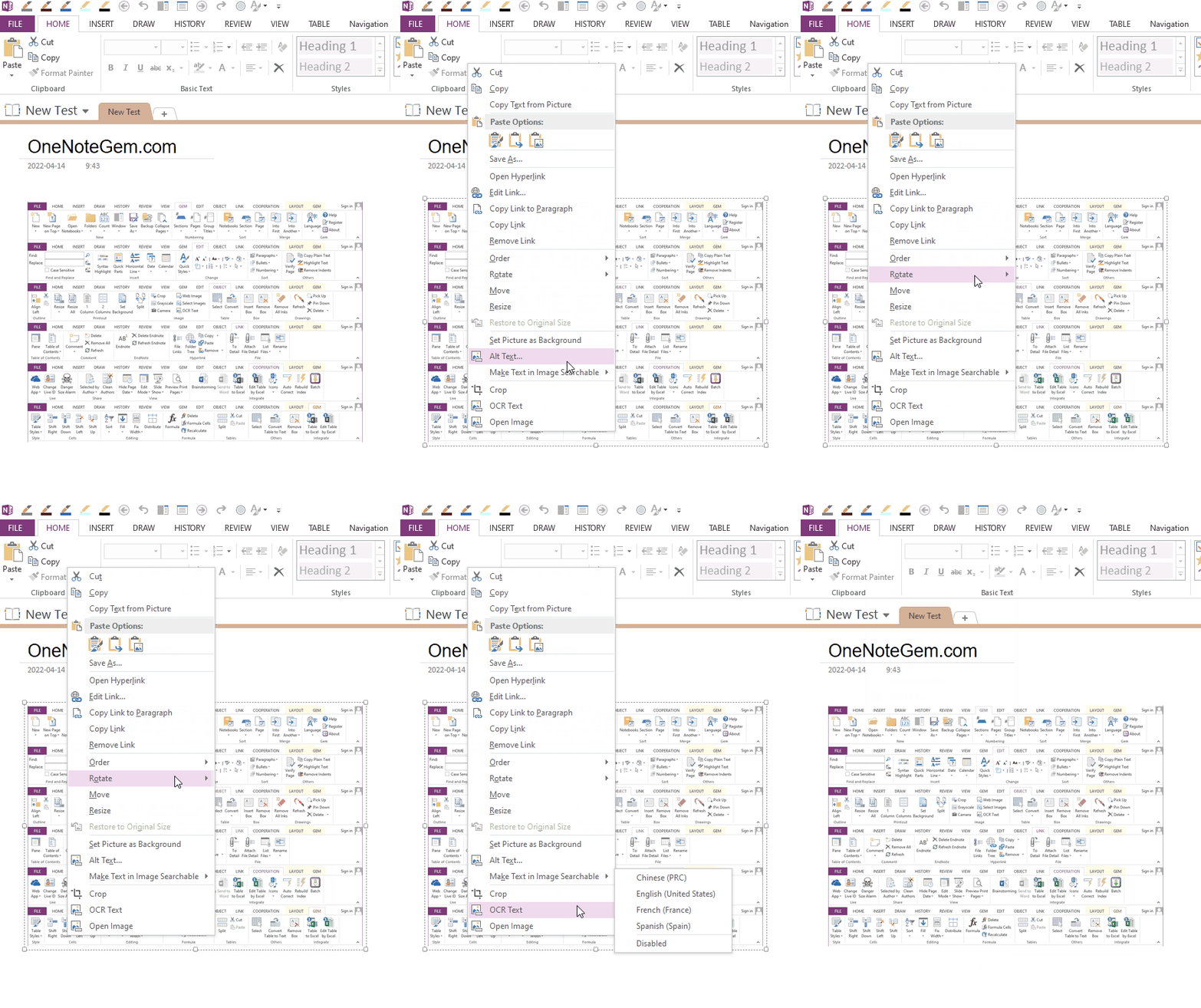
- The right-click menu only needs to be swiped by the mouse, it can automatically expand and hide submenus.
- Like Word and Excel, add-ins are natively supported, and add-ins can be built into the ribbon of OneNote.
- Support for creating and opening local OneNote notebooks.
- Support manual and automatic backup.
- Support export to Docx, PDF file
- The ribbon has a File tab
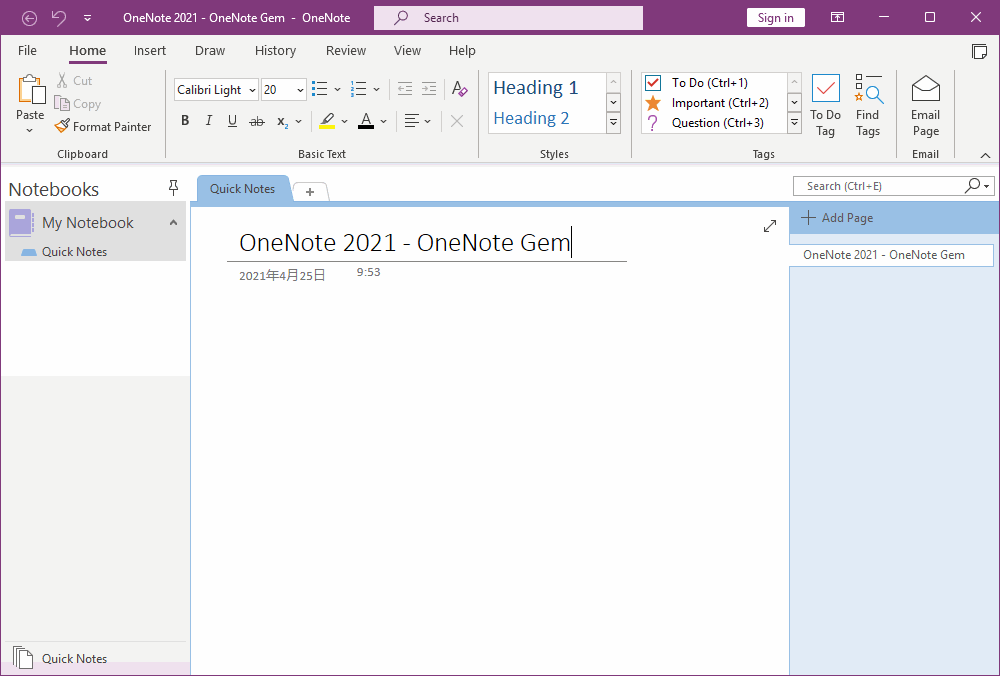
OneNote 2021 in Office 2021 LTSC (Long-Term Servicing Channel)
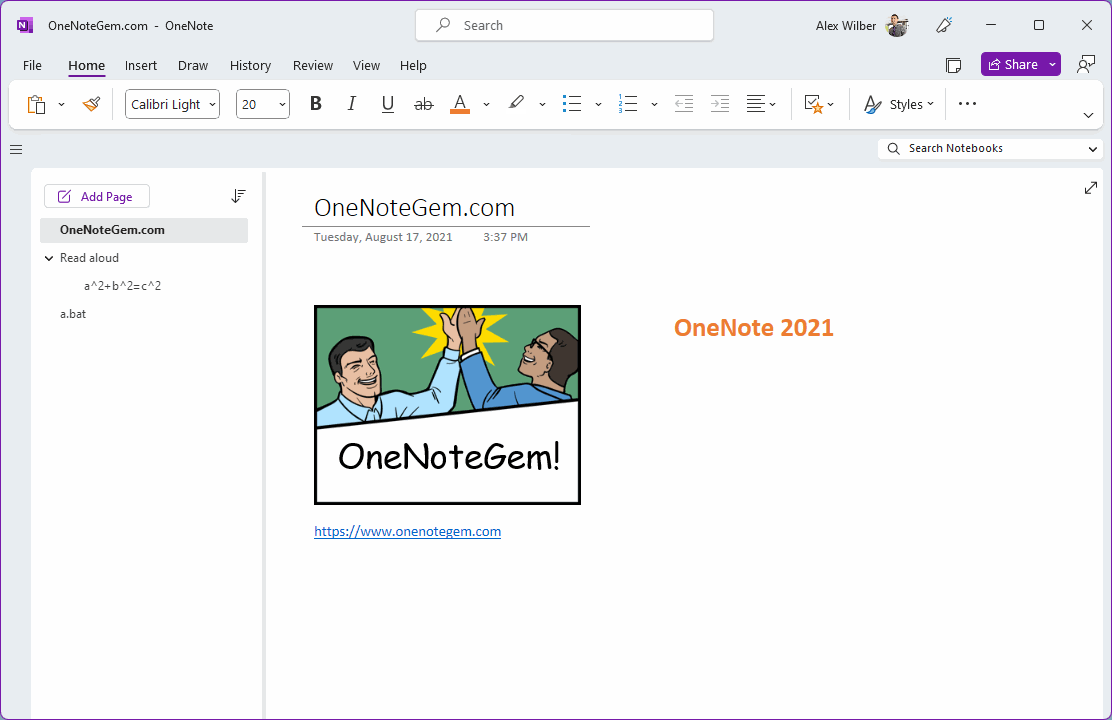
OneNote 2021 in Microsoft 365
Mouse Action Office OneNote Right-click Menu
OneNote for Windows 10 (OneNote UWP)
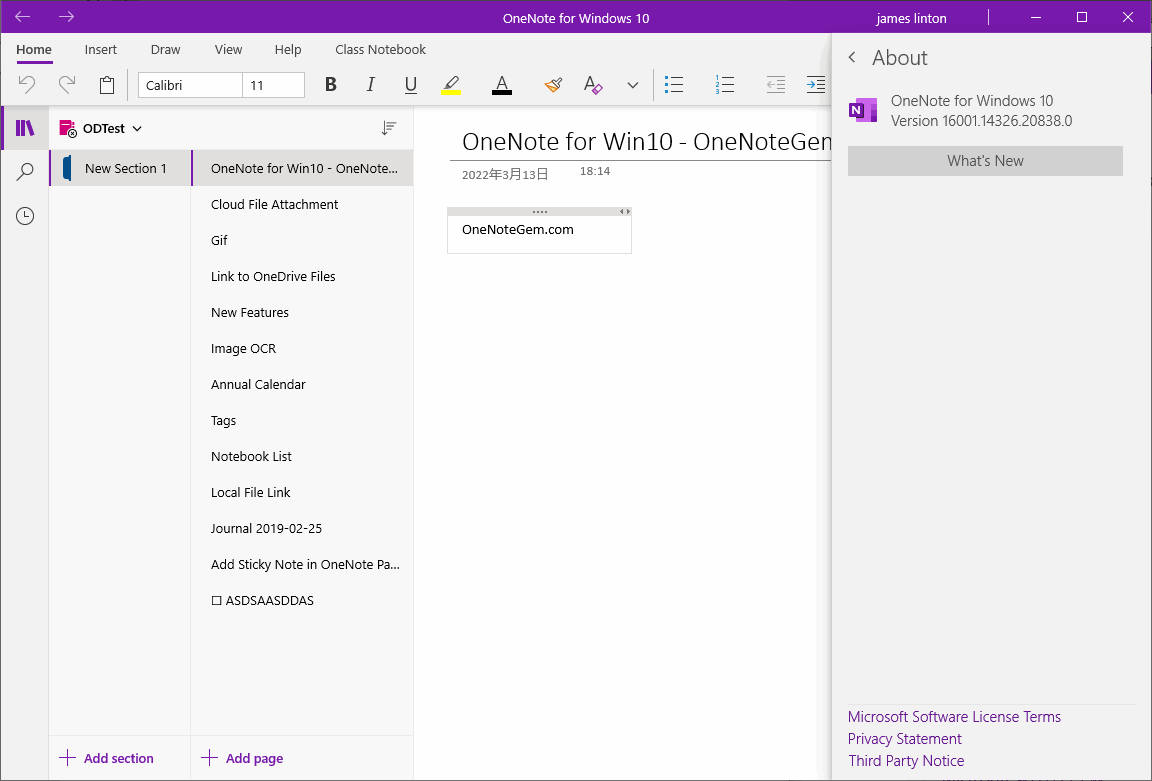
- OneNote for Windows 10, developed using UWP (Universal Windows Platform, Win10 Universal App), so it is also called OneNote UWP, which is not the same as ordinary EXE applications.
- OneNote UWP is a UWP app for Windows 10 systems. It comes with Windows 10. It is installed when you install Windows 10 system.
- OneNote UWP can only be installed on Windows 10, 11 systems, windows 8, 7, XP can not be installed. (Windows 11 system needs to be installed from the Microsoft Store)
- For Windows phones, Windows tablets.
- More suitable for fingers and pens. Pen styles are more, such as including highlighter styles.
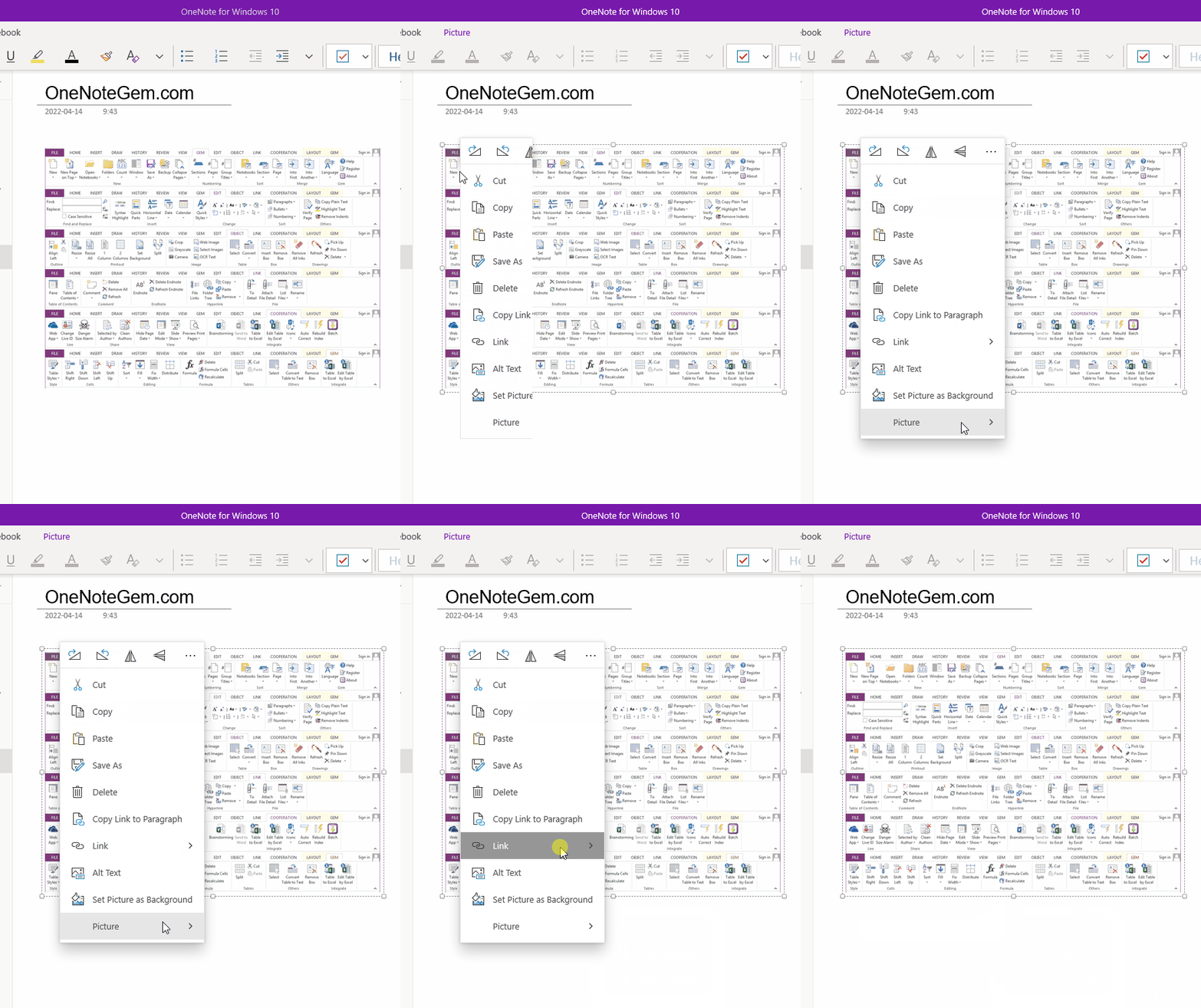
- Right-click menus require clicking on menus to expand and hide submenus. Submenus cannot be automatically expanded and hidden, and if you operate it with the mouse, the number of clicks is too many.
- OneNote UWP itself cannot support add-ins.
- Creating and opening local OneNote notebooks is also not supported.
- Backup is not supported.
- Exporting to Docx, PDF files is not supported.
- The ribbon does not have File tab.
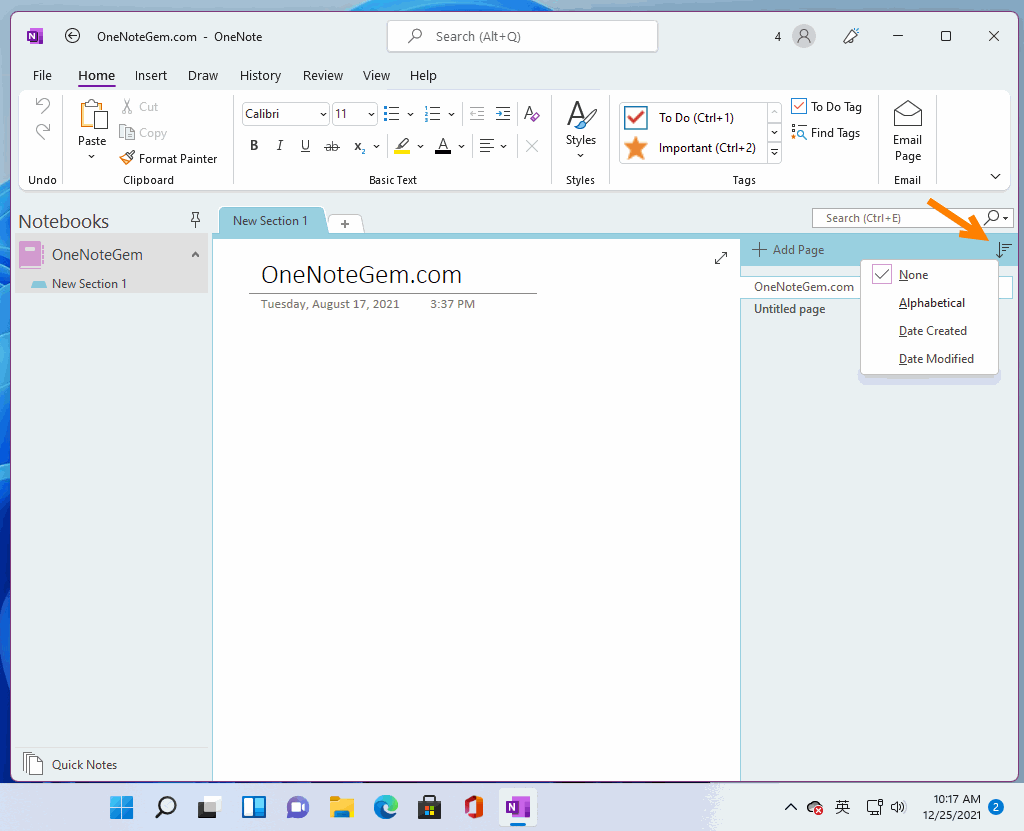
Mouse Action OneNote for Windows Right-click Menu
| EXE Addins | Cloud Addins | MAC Addins |
Related Documents
- How to roll back a OneNote notebook to recover lost sections caused by moving them?
- Why didn't use for a few months, cannot open any OneNote files now?
- 2026.6.6 Edge 149 remove Sidebar, and remove OneNote Feed
- OneNote shortcuts can't be deleted
- OneNote 2021 will be retired on October 13, 2026, and Microsoft will end support

